 OSC
OSC
Oliwia's Superlight Companion
A battery estimate that learns how you use your mouse, stats that actually look good, and a frosted-glass app you can make your own. For the Logitech PRO X SUPERLIGHT and SUPERLIGHT 2.
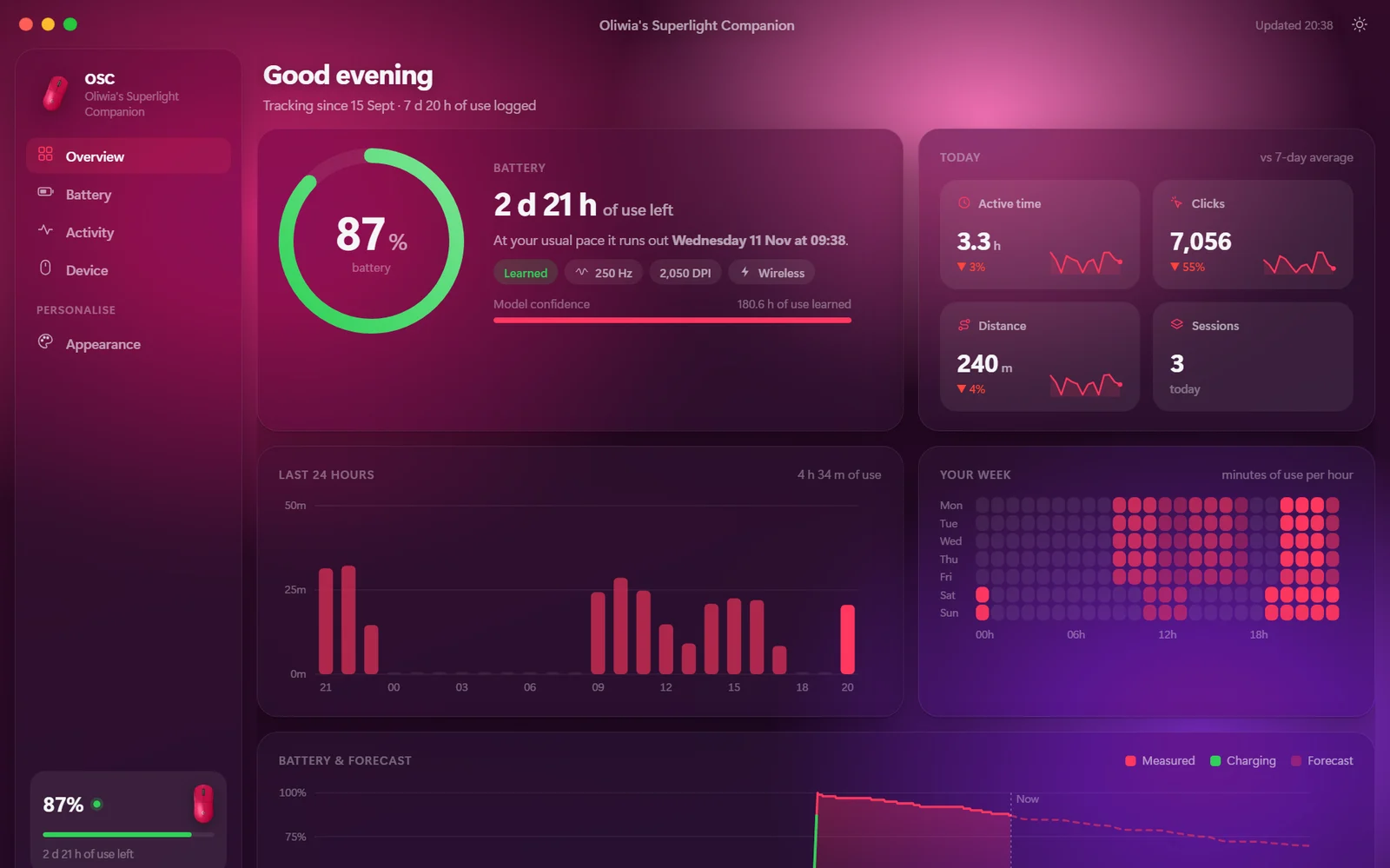
Everything your mouse doesn't tell you
Battery that learns
Every 1% drop is matched against how long you were actually using the mouse. OSC learns your drain rate, so "hours left" fits you, not a spec sheet.
Knows when it'll run out
It plays your normal week forward and tells you something useful, like "runs out Friday at 21:40".
Heatmaps
A six-month calendar, your weekly rhythm, and a map of where your cursor spends its time and where you click, drawn for each of your displays, portrait ones included.
Fun stats
Clicks, scroll, sessions, streaks, and how far your mouse has travelled (in football pitches, obviously).
Lives in the tray
A warning before the battery dies, a nudge when it's charged, and it keeps itself up to date.
Private
Everything stays on your PC. The only thing OSC fetches from the internet is the update check.
Have a look
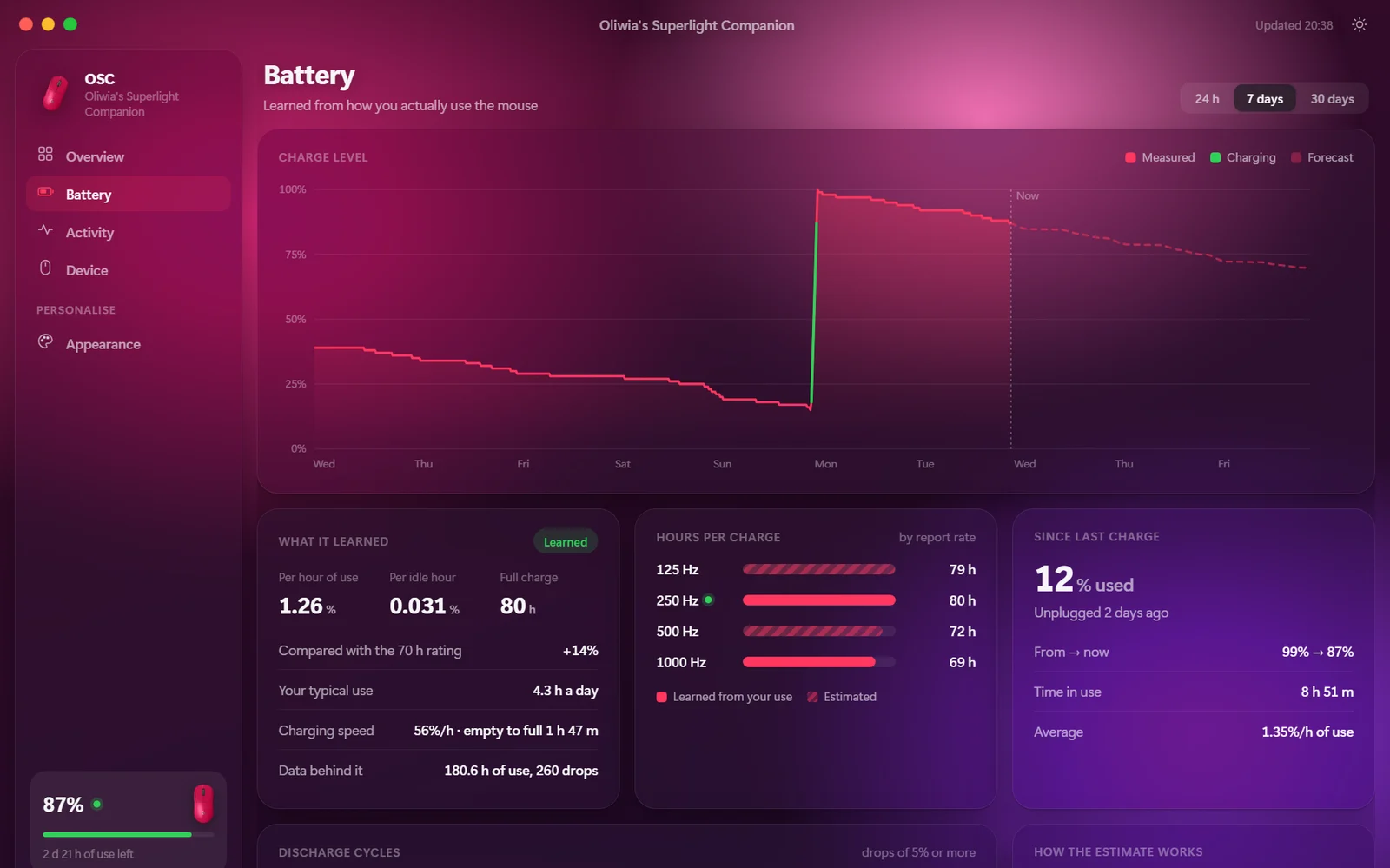
Screenshots use six weeks of sample data.
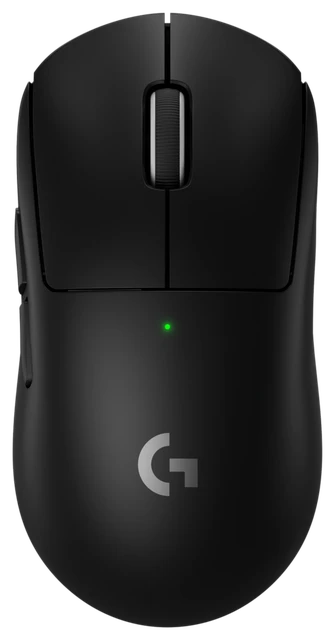
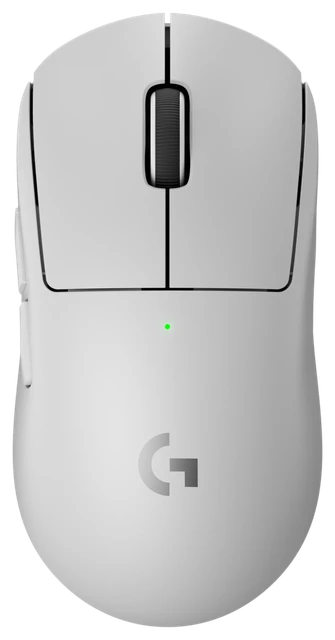
Matches your mouse
Pick your colourway and OSC recognises your mouse from then on. Then choose light or dark, an accent colour, a wallpaper (or your own photo) and how frosted the glass should be.
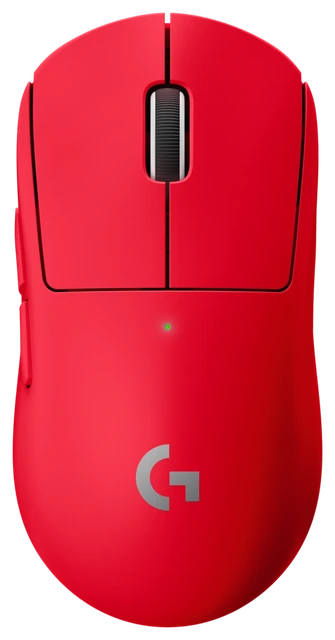
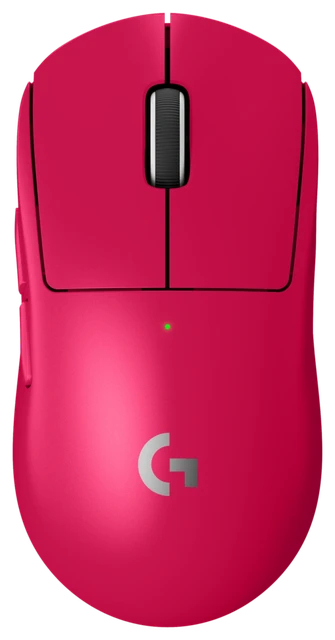
Change your mouse settings from OSC
Set things up once and they stay on the mouse, even on a PC without OSC.
- The 5 profiles on the mouse. See their DPI steps, report rate and buttons, switch between them from the app or the tray, with an automatic backup. Out now in 1.1
- DPI and report rate. Edit each profile's DPI steps and report rate, and see what that means for your battery hours. Every change is backed up, then checked after it's written, and you can restore any backup. Out now in 1.2
- Button remapping. Choose what each button does.
- Your own presets. Something like "School" and "Gaming", pushed to the mouse whenever you like.
It'll arrive as a normal update. If you already have OSC, you don't need to do anything.
Changelog
Loading…
Questions
Which mice work?
Logitech PRO X SUPERLIGHT and PRO X SUPERLIGHT 2, on their LIGHTSPEED receiver or on the USB cable. Other Logitech gaming mice that use the same receiver will probably work too.
Windows says "Windows protected your PC". Is it safe?
OSC is a small free project and isn't code-signed, so SmartScreen doesn't recognise it yet. Click More info, then Run anyway. Every update is checked against a signature before it's installed.
Does it change my mouse settings?
Only when you ask it to. You can switch profiles, and edit a profile's DPI steps and report rate. OSC backs up every profile before it writes anything, reads the change back to check it, and puts the old version back by itself if the check fails. Button remapping is coming soon.
How do updates work?
OSC checks for a new version every few hours. When one is out, you get a notification. Click Update & restart and it downloads, installs and opens again by itself.
Why does the estimate say "learning"?
Until it has seen about 10 hours of your use, OSC starts from Logitech's rating (70 h for the original, 95 h for the SUPERLIGHT 2). After that it trusts your own numbers.
How do I uninstall it?
Settings → Apps → Installed apps → OSC → Uninstall. Your stats stay in
%LOCALAPPDATA%\OSC in case you come back. Delete that folder to remove them too.